17 Nov 2026
How to Use Energy Saver in Chrome and Microsoft Edge
Save laptop battery in Chrome and Edge, then test whether Energy Saver affects video playback or background updates.
Read guide →
Troubleshoot slow pages, high memory use and extension conflicts, and learn how to manage tabs and browser settings for everyday browsing.
Save laptop battery in Chrome and Edge, then test whether Energy Saver affects video playback or background updates.
Read guide →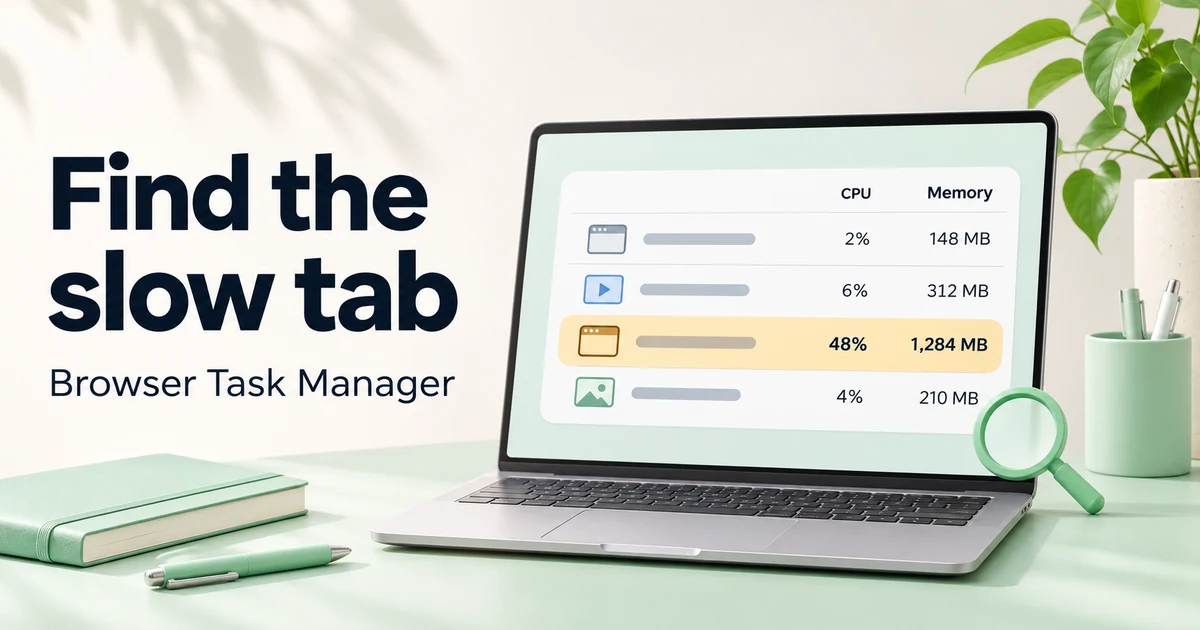
Find the tab or extension slowing down Chrome or Edge, and test whether it is the source of the problem.
Read guide →
Understand tab reloads, Memory Saver and sleeping tabs, with practical checks for site exceptions, session timeouts and extensions.
Read guide →
Investigate slow Chrome browsing with practical checks for tabs, memory, extensions, demanding pages and connection problems.
Read guide →Explore the features or visit support for help with a specific issue.
Explore ClearBlock features →