YouTube video ads
ClearBlock helps block video ads while you watch YouTube.

Free ad blocker for Chrome & Edge
ClearBlock helps block YouTube video ads, intrusive website ads and online trackers. Control protection for each site from your browser toolbar.
YouTube ad coverage can vary by video and as YouTube changes.
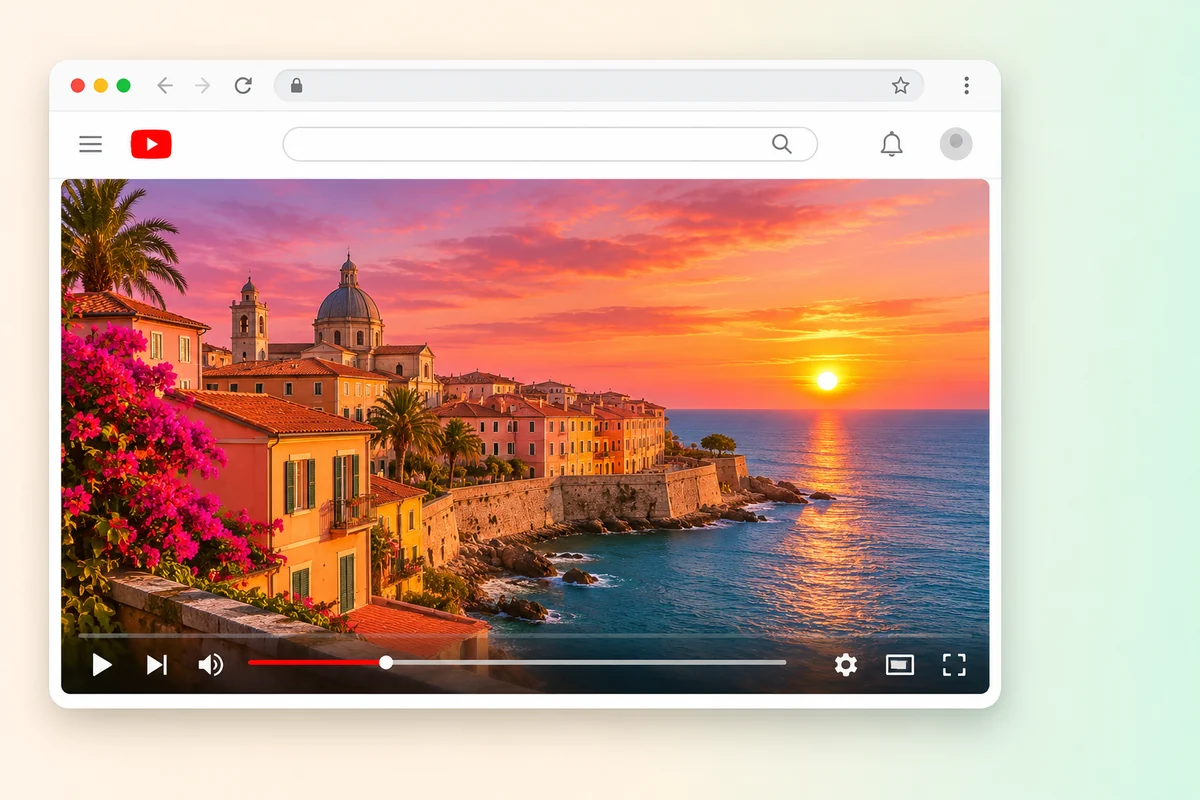
ClearBlock helps block video ads while you watch YouTube.
Block matching ad requests and hide supported banners and leftover ad spaces.
Block requests that match the included tracking filters as you browse.
Choose the extension store for the browser you use. Review the listing and requested permissions before confirming installation.
Open the ClearBlock listing in the Chrome Web Store, select Add to Chrome and confirm the installation. You can then open ClearBlock from Chrome’s extensions menu and pin it to your toolbar for easier access.
Visit the ClearBlock listing on Microsoft Edge Add-ons, select Get and follow the browser’s confirmation steps. Open the extension from Edge’s extensions menu to manage your blocking settings.
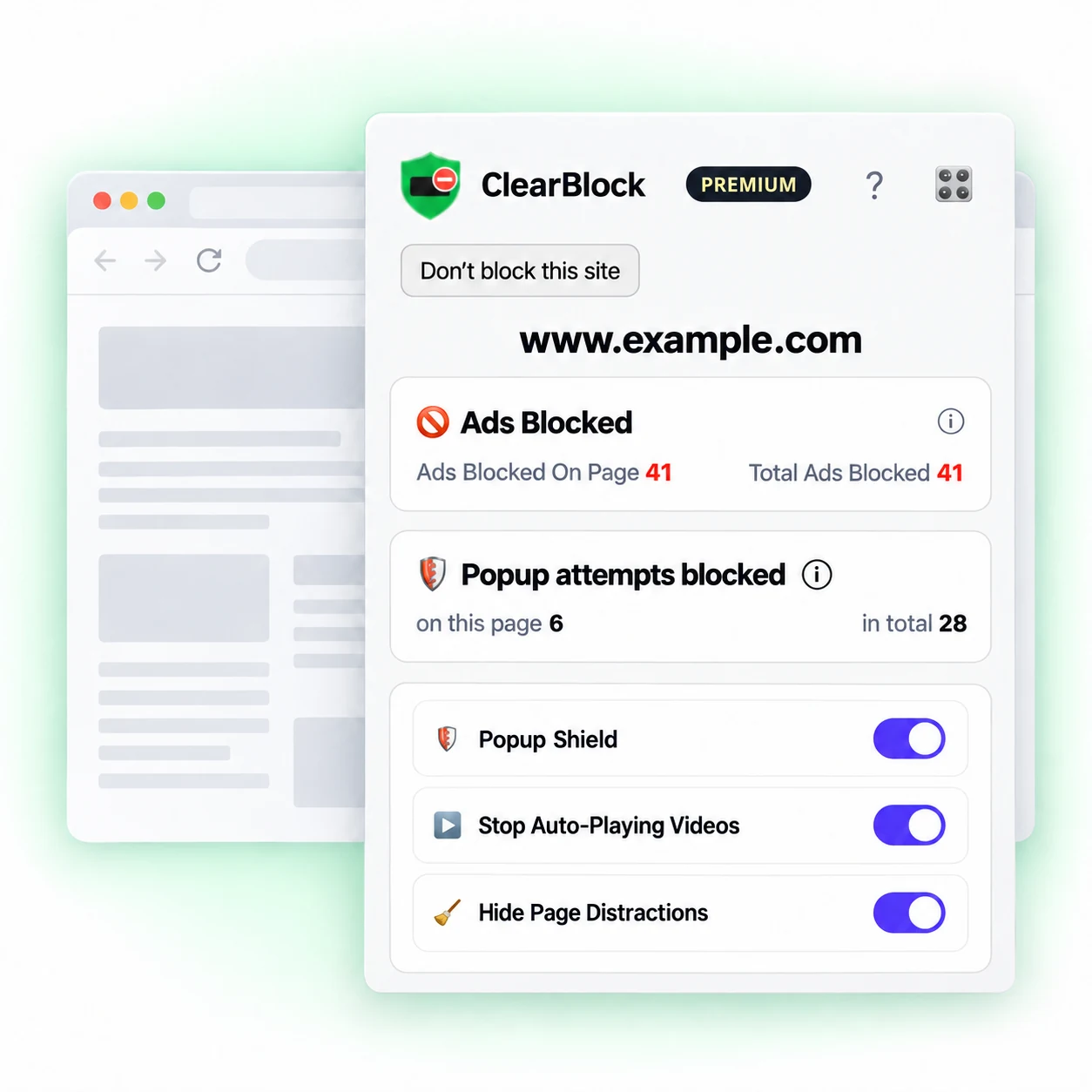
You do not need a Premium subscription to use ClearBlock’s core ad blocker. Premium adds tools for people who want more control over popups, overlays and other interruptions.
Install the extension from your browser’s store to get started.
Compatibility varies by website. Compare Premium plans and current pricing.
ClearBlock requests access to HTTP and HTTPS websites so it can apply blocking rules and page controls across the websites you visit. This is broad website access: review the browser’s permission prompt before installing.
ClearBlock applies ad and tracker filter rules in your browser, including rules based on EasyList and EasyPrivacy. Its page controls help manage advertising elements and optional Premium features on supported websites.
ClearBlock remembers your preferences and allowed websites. Right-click shortcuts include Allow this site and ClearBlock settings. Premium activation and periodic licence checks keep your paid features available while your licence is active.
Ad filtering runs in your browser. Premium activation and licence checks connect to ClearBlock’s server, and some settings can sync through your browser account. Read the privacy policy for details or learn how ClearBlock works.
Chrome compatibility: Requires Chrome 120 or later. For current Chrome and Edge compatibility requirements, check the relevant extension store listing.
ClearBlock is developed by Adwizz Ltd. It offers free core ad blocking with optional Premium tools for additional browsing controls.
Need help with installation, a website or Premium activation? Visit ClearBlock Support or email [email protected]. Include your browser version, the affected page address and the steps needed to reproduce the issue.
Before subscribing, review the Premium plans, refund policy and terms. Existing subscribers can use Manage Subscription.
Yes. ClearBlock Free helps block YouTube video ads. Coverage can vary by video and as YouTube changes. If ads persist or playback stalls, see the YouTube troubleshooting steps.
Yes. Core ad blocking is free. Premium is an optional paid upgrade that adds controls for popups, cookie banners, autoplay videos and other distractions. See the Premium page for current plans and terms.
ClearBlock has separate extension listings for Google Chrome and Microsoft Edge. Choose the store link that matches your browser and check that listing for current compatibility requirements.
No ad blocker can promise that every advertisement will be removed. Results depend on the website, its advertising technology and the filter rules in use. If an intrusive ad persists, send the website address to Support.
Yes. Open ClearBlock’s toolbar popup and choose Don’t block this site. This lets you support a chosen website while continuing to use blocking elsewhere.
Choose Don’t block this site for the affected website, or Pause on all sites to pause blocking everywhere, then reload the page. If this resolves the issue, contact Support with the page address and details of what stopped working so the problem can be investigated.
Popup Shield, Block Cookie Banners and Stop Autoplay Videos are optional Premium tools. Core ad blocking remains free. Review the features page and Premium details before choosing an upgrade.
Review the permissions shown by your browser before installing. Read the ClearBlock privacy policy for information about data handling, and contact Support if you have questions about a requested permission.
Open your browser’s extensions management page, find ClearBlock and select Remove. If you have a paid subscription, manage or cancel it separately through Manage Subscription.
Get free YouTube and website ad blocking for Chrome or Edge.