17 Nov 2026
How to Fix a Website Sign-In That Won’t Open With ClearBlock
Check browser pop-up permissions and test a site exception when a trusted website’s sign-in button does not open.
Read guide →
Manage ad blocking, pause protection and allow individual websites.
Check browser pop-up permissions and test a site exception when a trusted website’s sign-in button does not open.
Read guide →
Use ClearBlock’s free ad-space setting to hide supported leftover ad boxes in Chrome and Edge, and troubleshoot gaps that remain.
Read guide →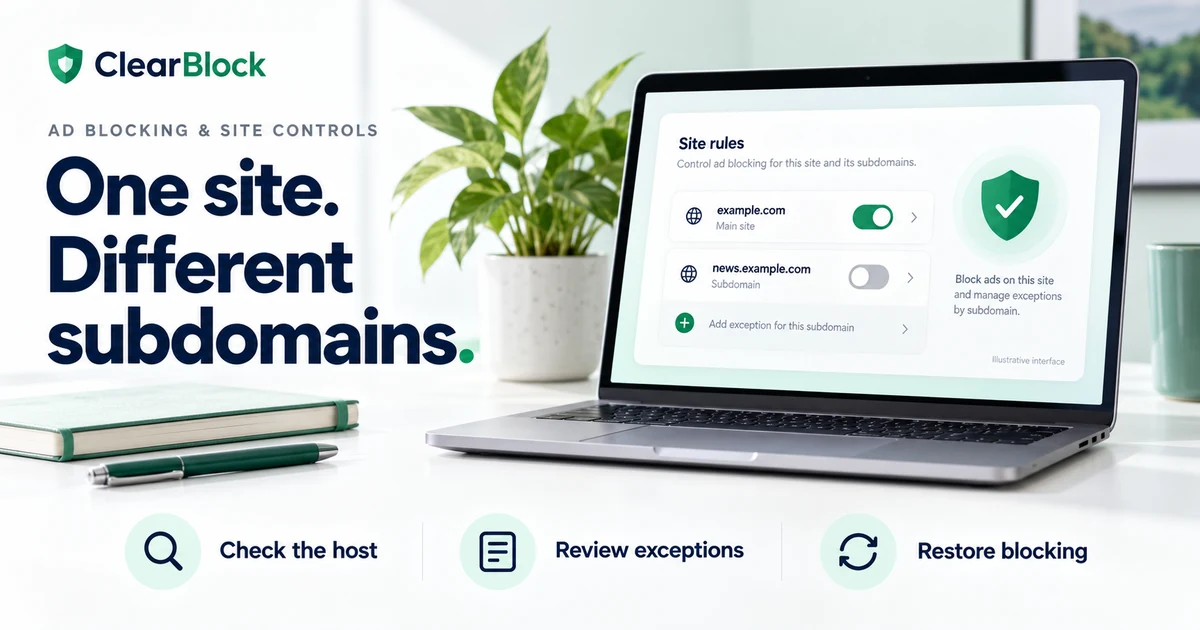
Learn how parent hostname exceptions affect subdomains and how to narrow allowances or restore blocking in ClearBlock.
Read guide →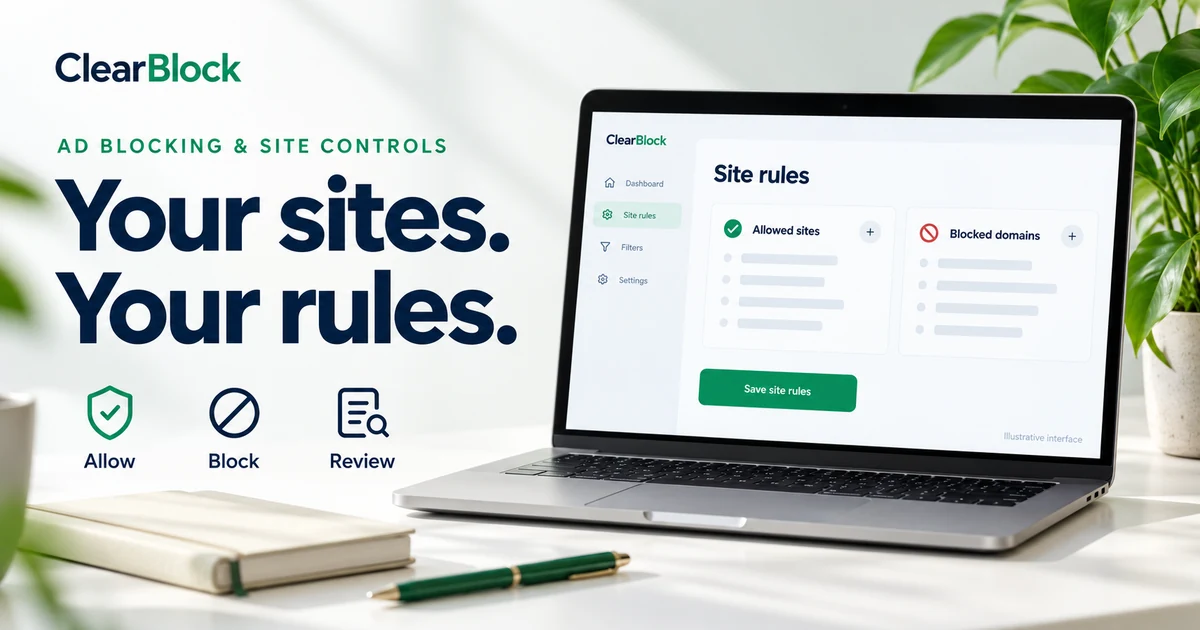
Learn how to add, remove and test ClearBlock site rules, manage allowed sites and blocked domains, and undo changes safely.
Read guide →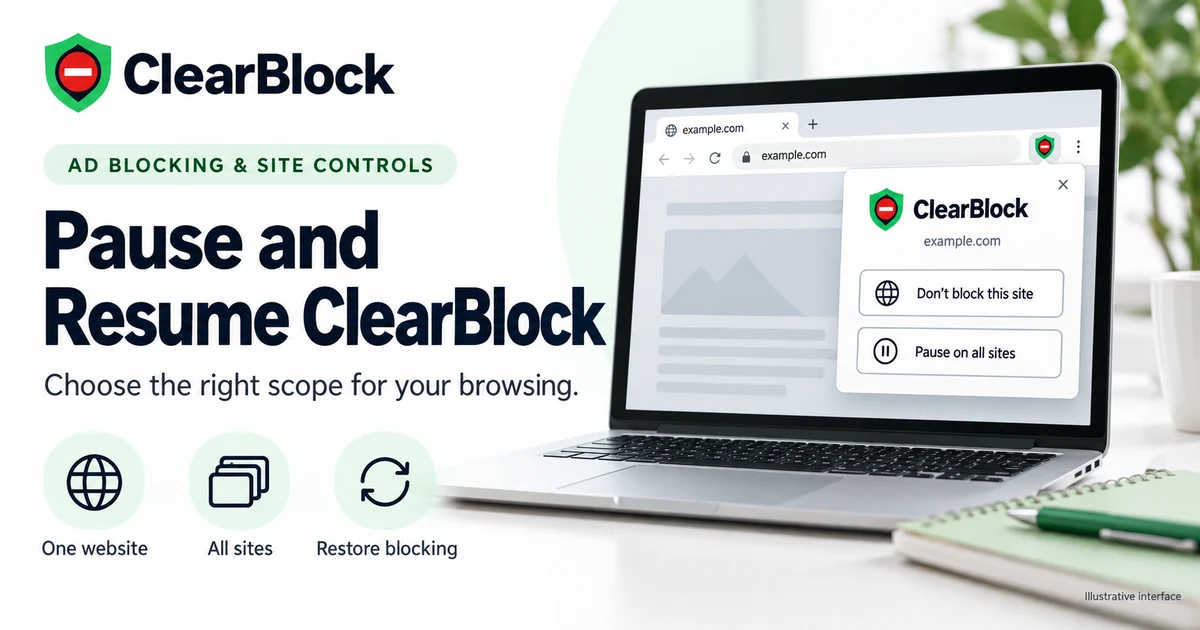
Pause and resume ClearBlock deliberately, distinguish global blocking from saved site exceptions and restore your preferred settings after a comparison.
Read guide →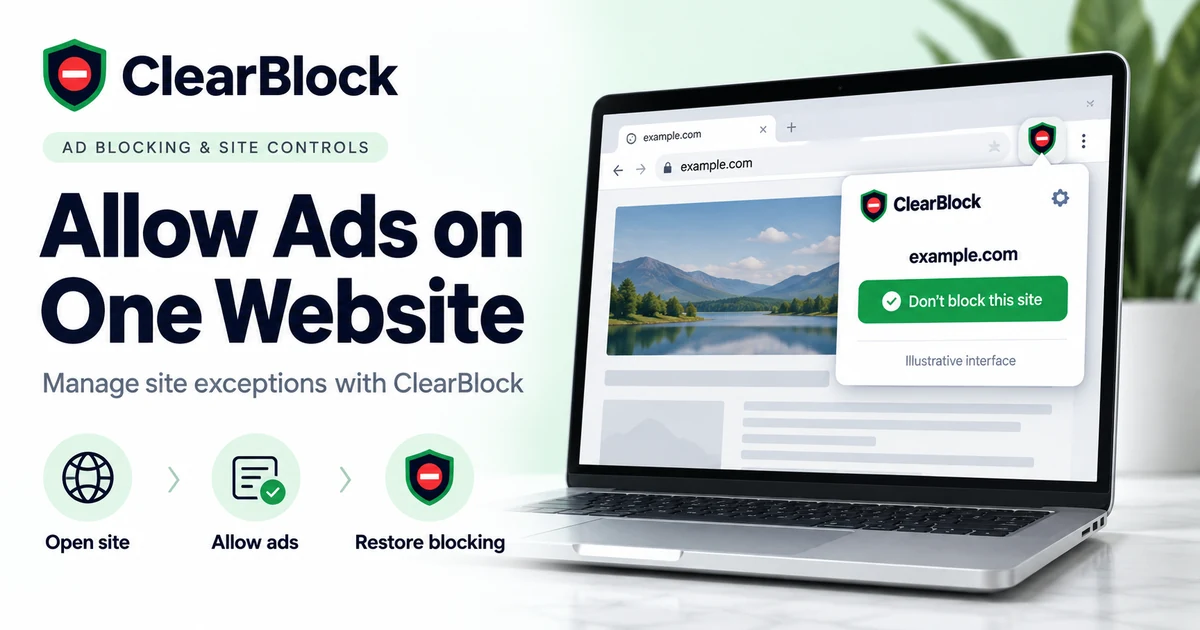
Allow a website in ClearBlock, restore blocking afterwards and understand how saved site exceptions differ from pausing blocking on all sites.
Read guide →Explore the features or visit support for help with a specific issue.
Explore ClearBlock features →