10 Nov 2026
How to Reopen Closed Tabs and Restore a Browser Session in Chrome and Edge
Reopen a closed tab or window in Chrome or Edge. Use keyboard shortcuts, search History and set your browser to restore the previous session.
Read guide →
Organise your browser with separate profiles, clearer bookmarks and practical ways to manage everyday browsing.
Reopen a closed tab or window in Chrome or Edge. Use keyboard shortcuts, search History and set your browser to restore the previous session.
Read guide →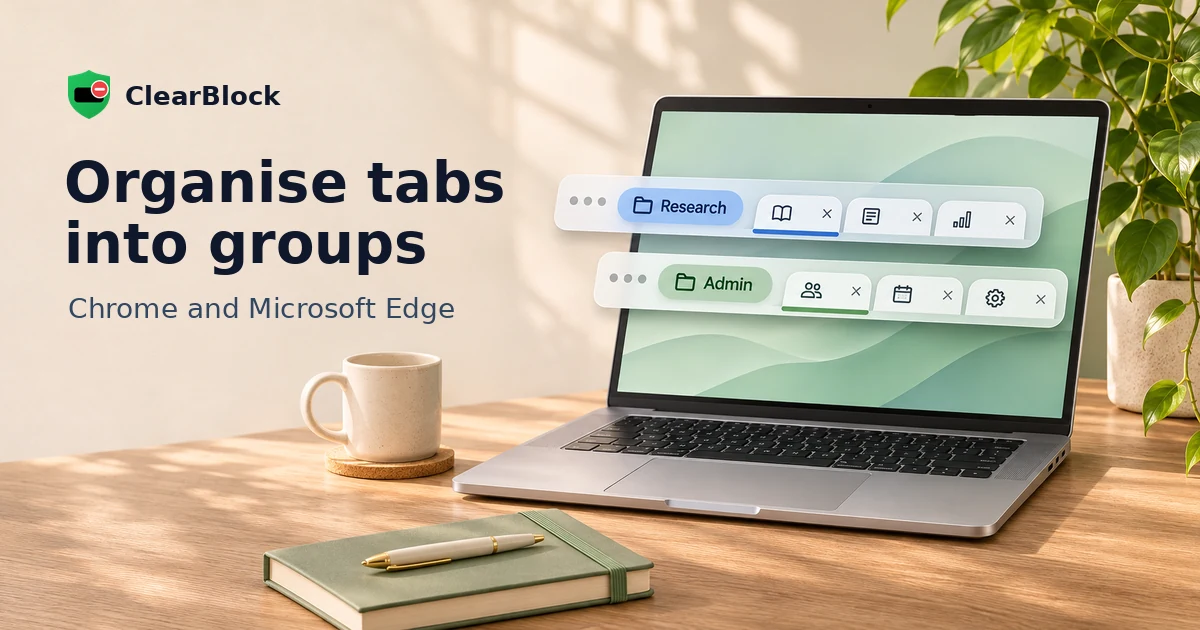
Create, name, colour and collapse tab groups in Chrome and Edge. Learn how to reopen groups and keep project tabs organised.
Read guide →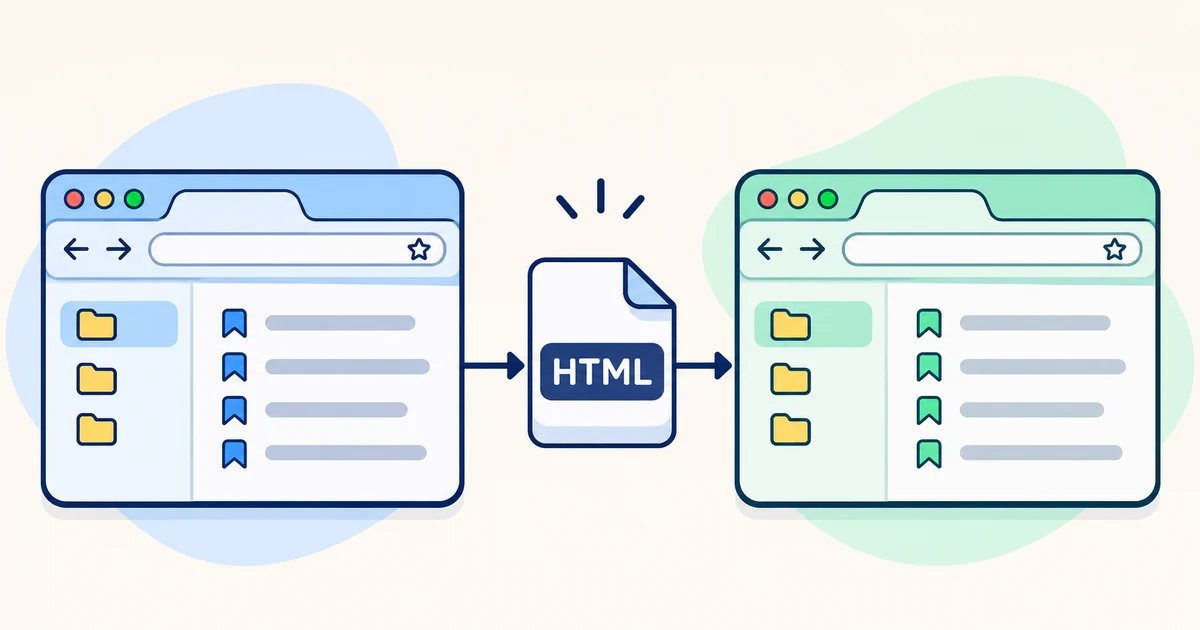
Back up Chrome bookmarks or Edge favourites as an HTML file, import them into the right profile and check that your folders and links came across.
Read guide →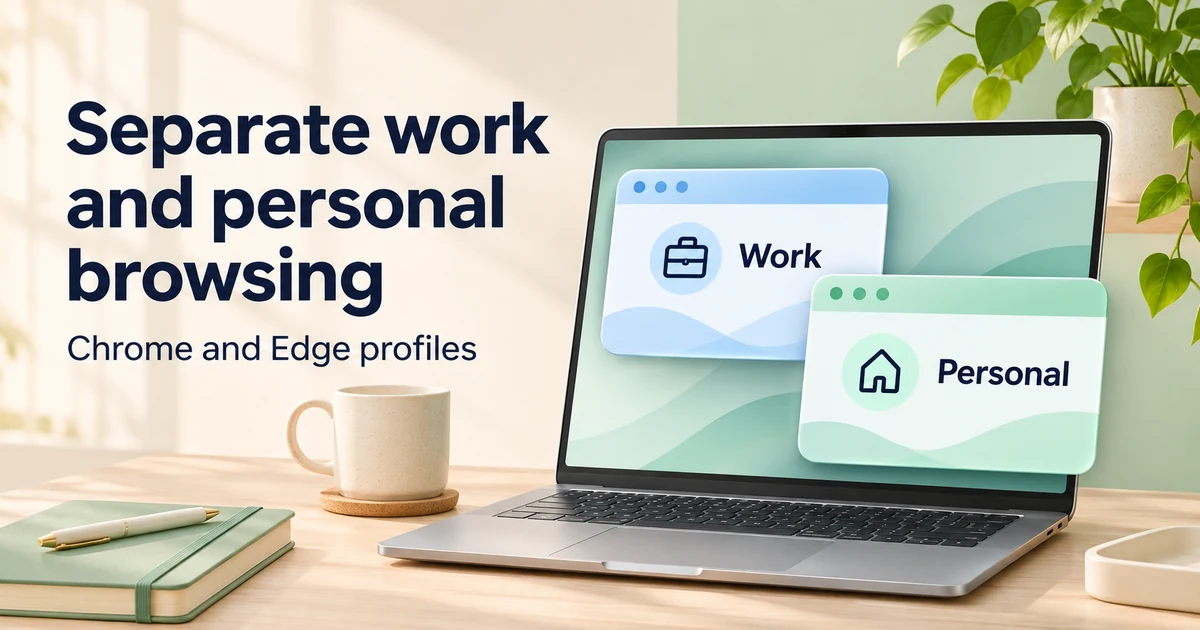
Create separate work and personal profiles in Chrome or Edge, switch between them and check your website accounts and ClearBlock settings.
Read guide →Explore the features or visit support for help with a specific issue.
Explore ClearBlock features →