17 Nov 2026
How to Test ClearBlock Settings One Change at a Time
Test one ClearBlock setting on a familiar page, record the result and choose which changes to keep.
Read guide →
Manage filter lists, website exceptions and preferences.
Test one ClearBlock setting on a familiar page, record the result and choose which changes to keep.
Read guide →
Record your ClearBlock filters, site exceptions and blocked domains before a browser reset, then check them afterwards.
Read guide →
Compare ClearBlock’s free tracker blocking with Premium Extra Tracking Filters, and test the optional rules without turning off free filtering.
Read guide →
Understand ClearBlock Extra Tracking Filters, compare the optional layer with core blocking and test your usual websites before keeping a new setup.
Read guide →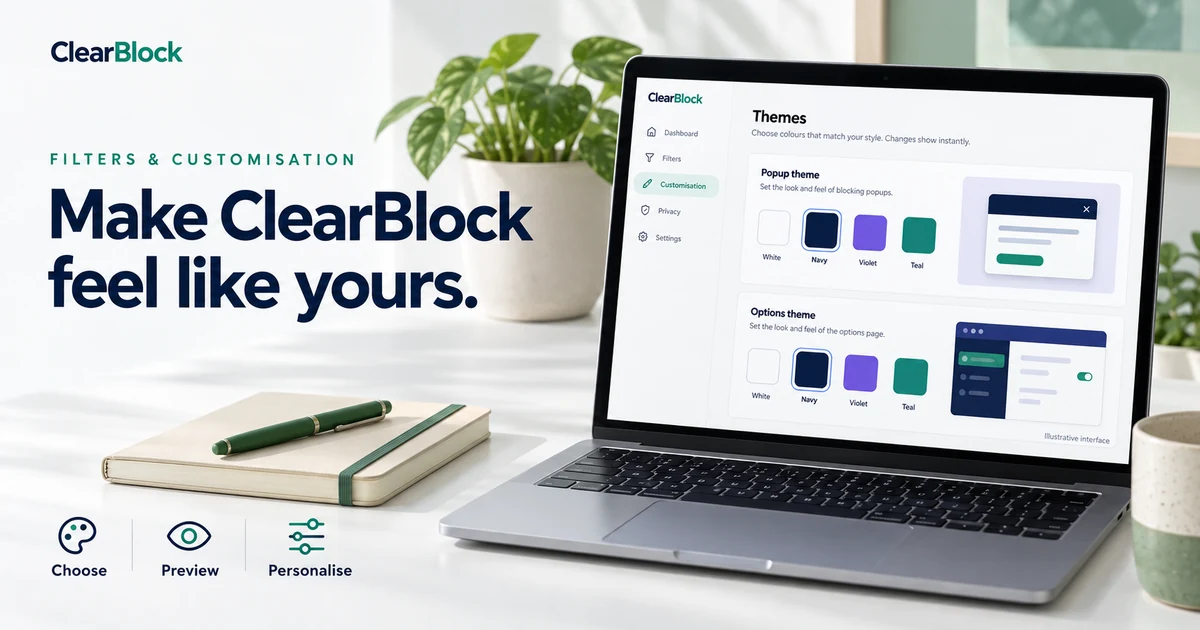
Personalise the ClearBlock popup and options page with separate theme choices, check Premium availability and restore the default appearance.
Read guide →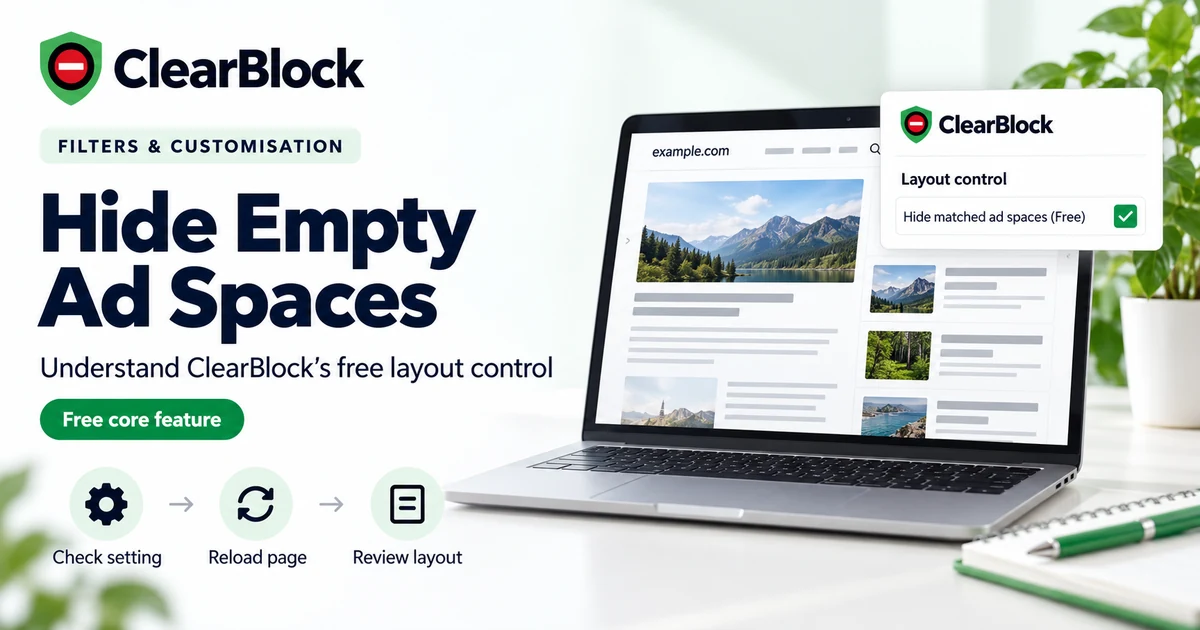
Understand ClearBlock’s free matched ad-space hiding, check conflicting preferences and compare layout changes separately from blocked network requests.
Read guide →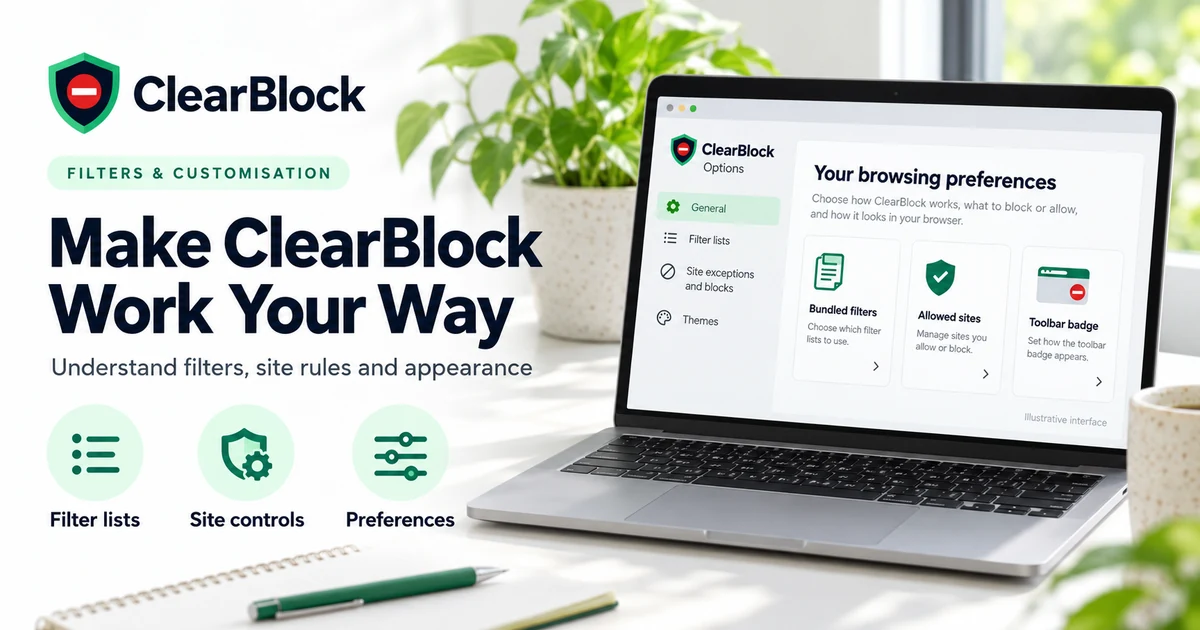
Understand ClearBlock’s bundled filters, manage allowed sites and blocked domains, adjust ad-space hiding and the badge, and explore optional Premium themes.
Read guide →Explore the features or visit support for help with a specific issue.
Explore ClearBlock features →