
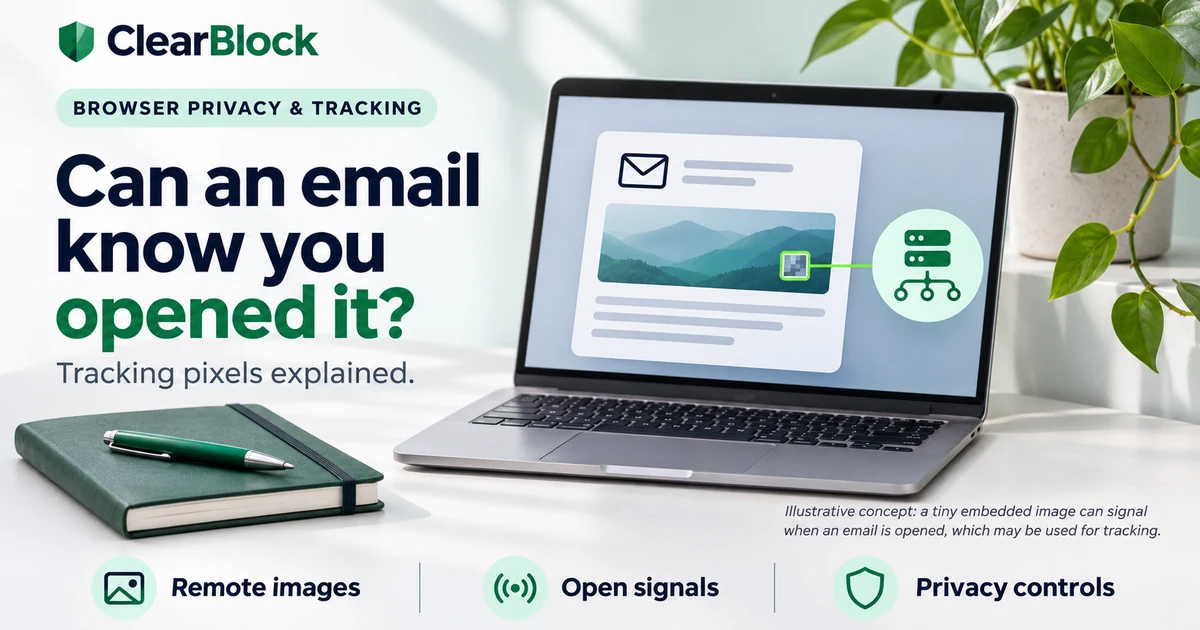
A tracking pixel is a small remote resource used to help record an event, such as an email image being requested. The image may be tiny or visually unnoticeable, but the request can still provide a signal to the system that supplied it. That signal is not the same as proof that a person read the message.
This guide explains tracking pixels in emails and webpages, the limits of open statistics and the controls worth reviewing. It also separates remote-image protection from link tracking, account activity and browser filtering so that you can choose settings for the right task.
The short answer: the request is the signal
An email can reference an image stored on a remote server rather than include every visual item directly in the message. When software requests that resource, the supplying system can record that a request occurred. An identifier in the resource address may associate the event with a particular message.
The visible size is not what makes the mechanism work. A tiny image can produce a request just as a larger remote image can. However, not every small image is a tracker, and ordinary branding can also be delivered remotely.
Focus on remote content handling rather than trying to spot every invisible image by eye. The relevant privacy setting concerns whether and how the software retrieves that content, not whether the image looks suspicious.
Why a request does not prove reading
A recorded image request is an observation about software activity. It does not establish that the recipient carefully read the words, agreed with them or even deliberately opened the message at that moment.
Caching, intermediary services and background handling can affect how a request relates to a person's action. Conversely, an email read with remote images blocked may provide no image-based signal. Treat an open count as an interpreted metric, not a reliable read receipt.
This distinction matters for both recipients and senders. A person may prefer fewer observable signals, while a sender should avoid drawing strong conclusions about attention from a single recorded event.
What information may be associated with it
The request can be associated with the resource address, time and connection information visible to the receiving server. A message-specific address may allow a service to connect that request with a recipient record it already holds.
What the sender actually sees depends on the email service, app and privacy controls involved. An intermediary can change the connection information exposed, while background fetching can change the relationship between the request and an opening action.
Do not assume every sender receives the same details or that a pixel reveals everything about your device. Read the current documentation for the email application you actually use rather than applying one product's description universally.
Why email privacy protection changes the picture
Apple documents Mail Privacy Protection as a way to limit information senders learn about Mail activity. Its protected handling can retrieve remote content in the background instead of tying retrieval to the moment you view a message, while shielding the relevant network address.
The practical lesson is that a remote request can exist without representing the reading event a sender hoped to measure. This makes simplistic claims such as “the sender knows exactly when you read” unreliable.
The feature's scope still matters. Check the supported app, account and platform, and do not assume an email privacy option automatically extends to every link you follow or file you open.
Review external-image settings in your email service
Find the image or remote-content controls in the email application where you read messages. A setting that asks before displaying external images can let you decide when a particular message should retrieve that content.
Gmail documents image-display choices and its handling of suspicious messages. Its current guidance is a useful reference for Gmail users, but those controls should not be assumed to have identical effects in a separate desktop mail app connected to the same account.
Review the actual reading environment. A message opened through webmail in one browser and the same message opened through a phone app can take different paths. The account address alone does not identify which privacy controls applied.
What changes when images are blocked
A message may show placeholders or lose some visual formatting when remote images are withheld. That can affect ordinary logos, product pictures or diagrams as well as image-based measurement. Decide whether loading them is useful for the message you intended to read.
For an unfamiliar or suspicious sender, do not load images merely because the email says doing so is necessary to verify your account. Open the service independently if you need to check an account issue.
For a trusted newsletter, you may choose to display the images while understanding the tradeoff. Privacy decisions do not need to be framed as all-or-nothing; the important point is to know what action you are choosing and its scope.
Links can track a different interaction
Blocking remote images does not necessarily remove identifiers from links. A click can follow a redirect or submit campaign and recipient information written into the destination address. That is a different event from an image request.
Do not assume that an email image setting makes every link anonymous or safe. Check the intended destination before entering credentials, and use a known app or verified bookmark for sensitive accounts.
Read tracking links and URL parameters explained for a careful sharing workflow. Avoid editing password-reset, payment or private document links as though every parameter were optional clutter.
Webpage pixels are not identical to email pixels
A webpage can also request small resources or send measurement events. The broader concept is similar—activity is reported to a service—but the implementation can include scripts and other mechanisms beyond an image.
An email remote-image setting does not govern every request made later on a website. Once you open a page, its browser environment, account state, consent choices and active filtering become relevant to that separate interaction.
Likewise, a browser ad blocker does not automatically control remote content inside every independent email application. Keep the scope of each tool clear instead of assuming one privacy setting follows the message everywhere.
Why hiding an image is not the same as preventing retrieval
A page element can disappear visually after a resource has loaded. Cosmetic changes therefore do not by themselves establish that no measurement request occurred. The relevant question is whether the request was prevented, altered or handled through a protective intermediary.
This is why a clean-looking email or webpage is not enough evidence for a complete privacy claim. A visible picture can be harmless decoration, while an invisible resource can carry a measurement purpose.
See network blocking versus cosmetic filtering for the general distinction. Evaluate each control according to its documented function rather than appearance alone.
Do cookies need to be involved?
A request can carry a message identifier in its address, so the concept does not depend on a browser cookie being the only identifier. Removing local cookies should not be treated as a universal solution to email measurement.
Cookies, link identifiers and account records are separate mechanisms that can interact in a broader service. You do not need to assume they are all present in every message to understand why one cleanup action has limited scope.
Read clearing cookies versus cache before deleting useful local information in an attempt to control a different email setting.
A practical remote-content review
- Identify where you normally read email: browser, desktop app or phone app.
- Find that application's remote-image or privacy settings.
- Read whether the option blocks retrieval, asks first or uses protected background handling.
- Check the scope, including links and attachments.
- Try the setting on a non-sensitive message you recognise.
- Keep a deliberate choice for unfamiliar senders and account-related messages.
A small review is more useful than installing several tools without knowing which application they affect. You do not need to send yourself a tracking experiment or upload private messages to an online analyser to understand the available controls.
What a VPN does not settle
A VPN can change the route and network address used by covered traffic. It does not automatically remove a recipient identifier embedded in an image URL, change the email application's image settings or cancel an account sign-in.
Privacy tools can therefore address different parts of the same interaction. Check which traffic the VPN covers and what the email application still submits. Avoid interpreting a different outward-facing address as proof that no message-associated request occurred.
See browser tracking protection versus a VPN for that distinction without assuming either layer guarantees anonymity.
Where ClearBlock fits
ClearBlock provides browser ad blocking and optional filtering for supported behaviours. A matching browser request may be affected by active rules, but this guide does not claim that ClearBlock recognises every email pixel or controls every mail application.
Its counters are not an inventory of all email measurement prevented. Use the email service's documented privacy features for remote content, and use browser filtering within its actual scope.
If you are comparing settings, change one relevant control at a time. A visible message layout change and a blocked network event are different observations, so describe the result precisely if you ask for support.
Do not confuse tracking concerns with phishing
A message using remote images is not automatically fraudulent. Equally, a text-only message with no visible images can still ask for credentials or money deceptively. Sender authenticity and measurement behaviour are different questions.
For an unexpected account warning, reach the service independently instead of using its link. Do not provide passwords or one-time codes simply because remote images were blocked. That privacy setting does not validate the request.
If a message leads to an unexpected download or command-based repair, stop. Use the ClickFix guide for that separate risk.
Frequently asked questions
Does an open count prove I read the email?
No. It is an interpreted signal influenced by how software handles remote resources, not proof of attention or agreement.
Does blocking images prevent link tracking?
Not necessarily. Link addresses and redirects can report a separate interaction.
Are all remote images tracking pixels?
No. Ordinary visual content can also be remote. Review the application's handling rather than judging every image by appearance.
Official sources and related guides
Read Apple's Mail Privacy Protection explanation, Gmail's image-display guidance and Apple's iPhone Mail privacy guide. Explore more Browser Privacy & Tracking guides for practical background.